
Password Safe
A simple, secure password safe. Keep your credentials organized and accessible with a lightweight, no-nonsense experience.
Secure Storage
Encrypt and store your passwords safely.
Fast Access
Quickly search and copy credentials when you need them.
Portable
Grab the latest build directly from GitHub releases.
Secure by Design
Local, encrypted vault. Your data stays on your device — no cloud required.
Fast & Simple
Minimal UI that gets out of the way. Search, copy, and move on.
Organized
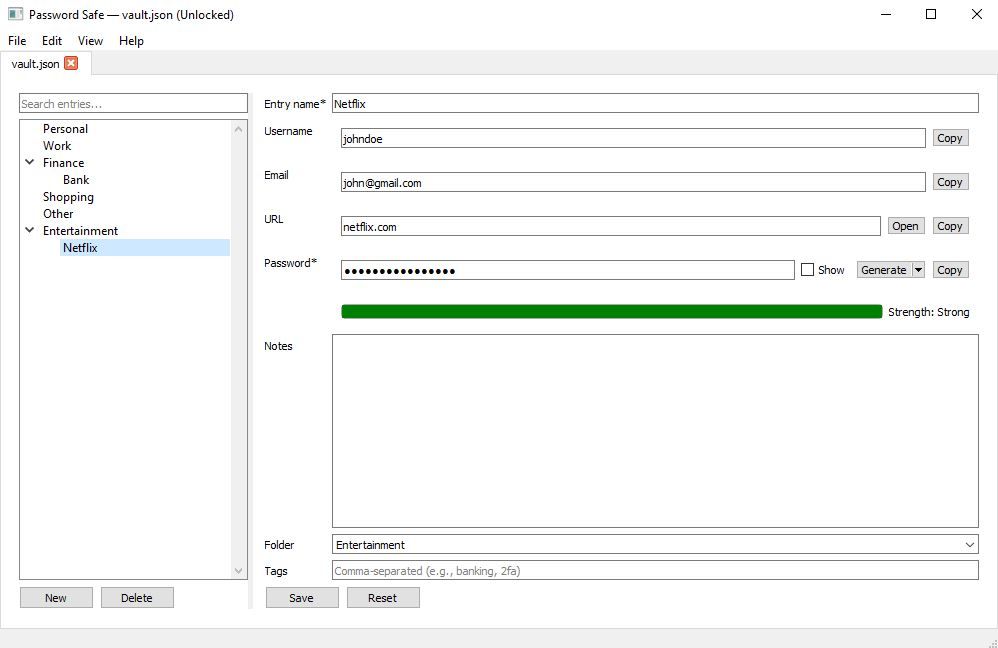
Folders and tags keep everything tidy — find what you need instantly.
Secure Storage
Encrypt and store your passwords safely on your device.
Fast Access
Search and copy credentials quickly - get in, get out.
Portable
Grab the latest Windows build directly from GitHub Releases.
How it works
Download
Get the latest Windows installer from GitHub Releases.
Install
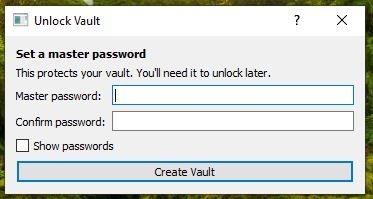
Run the installer. On first launch, create a master password.
Save & Search
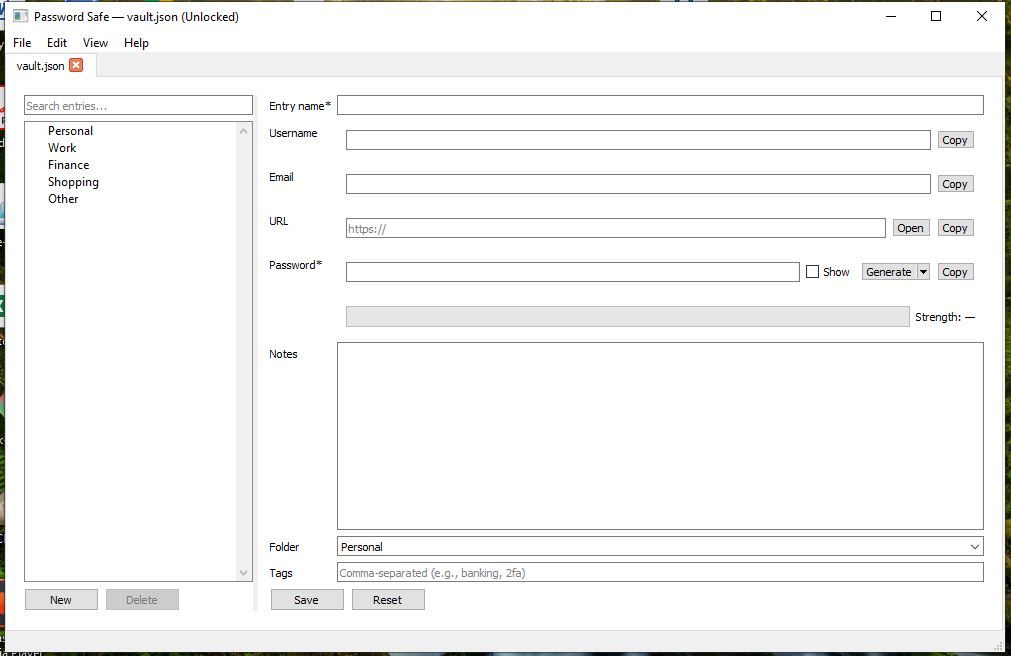
Add entries and quickly search when you need them.
Download & Install (Windows)
Download the latest installer from GitHub Releases. If Windows SmartScreen appears, choose “More info” → “Run anyway”.
Is Password Safe open source—
Yes. View the source code on GitHub and follow development.
Where are my passwords stored—
Passwords are stored locally on your device in an encrypted format.
Will there be macOS or Linux versions—
Yes, we’re working on cross‑platform builds. macOS and Linux are marked as “coming soon”.
How do I update—
Download the newest version from GitHub Releases and install over your current version.